
A practical guide to document conversion, data organization, and digital workflows
Introduction
Businesses, educational institutions, publishers, and professionals handle thousands of digital documents every day. PDF files are widely used because they preserve formatting, fonts, images, and layouts across different devices. However, when information needs to be extracted, organized, transferred, or processed automatically, traditional PDF files can become difficult to manage.
This is where XML (Extensible Markup Language) becomes useful. Converting PDF documents into XML makes it easier to organize information into structured formats that software applications can understand and process. Whether someone is managing business records, digitizing old documents, or preparing information for a database, understanding the relationship between PDF and XML can make everyday workflows more efficient.
Why Structured Document Formats Matter
PDF files are designed primarily for presenting information in a consistent visual layout. They are excellent for sharing reports, invoices, contracts, research papers, and other documents. However, their visual structure does not always make the underlying information easy to reuse.
Imagine a company receiving hundreds of invoices from different suppliers. Each invoice contains similar information, including company names, invoice numbers, dates, product descriptions, and payment amounts. Manually collecting these details from individual PDF files can consume considerable time.
XML provides a different approach by organizing information through descriptive tags. Instead of simply displaying text on a page, XML identifies individual elements and their relationships.
Understanding the PDF to XML Conversion Process
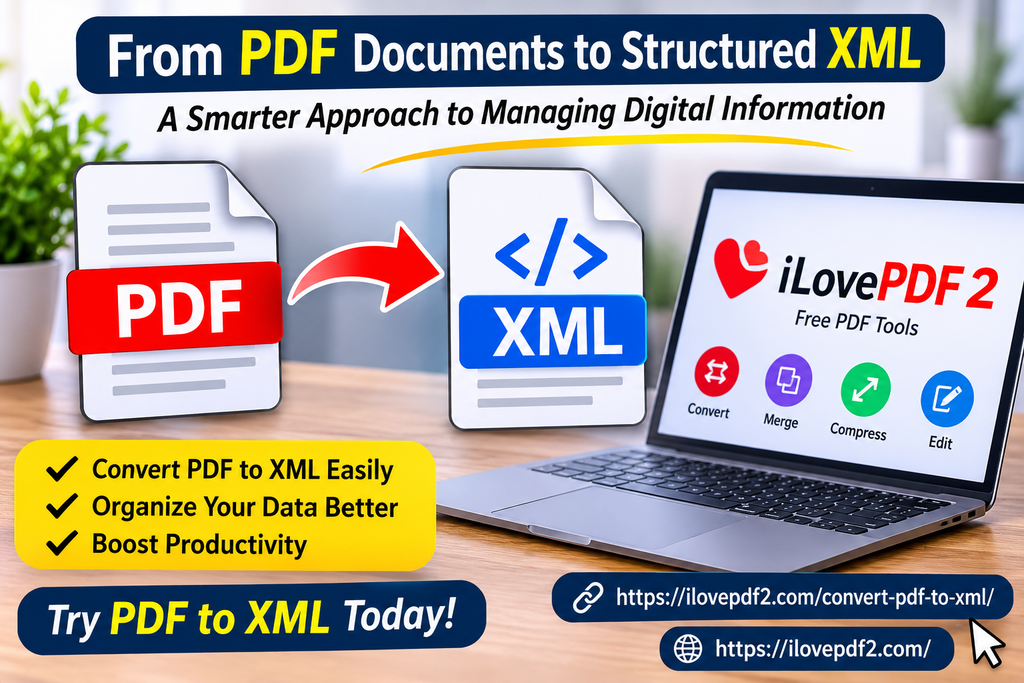
PDF to XML conversion involves extracting information from a PDF document and arranging it into an XML structure. The exact process depends on the document’s complexity, formatting, and content.
A digitally generated PDF generally contains selectable text, which makes extraction relatively straightforward. Scanned documents are different because their pages contain images rather than directly accessible text. These files may require Optical Character Recognition (OCR) technology before their content can be converted into structured data.
A typical workflow includes uploading the PDF, extracting its text and supported elements, organizing the information, generating the XML file, and reviewing the output. The resulting file can then be used in applications that support structured data processing.
Practical Applications Across Different Industries
The ability to transform documents into structured information is valuable in several professional environments.
Business administration: Companies exchange invoices, purchase orders, employee records, and financial statements. Converting relevant information into XML can simplify data transfers between compatible business applications and reduce repetitive manual entry.
Education and research: Universities, libraries, and research organizations maintain large collections of digital publications. XML can help organize titles, references, author information, and other details for digital repositories and research databases.
Publishing and content management: Publishers work with articles, books, reports, and technical documents. XML can separate content from presentation, allowing the same information to be reused across websites and digital publications.
Healthcare administration: Healthcare organizations handle reports, patient documentation, and administrative forms. Structured data can support information exchange between compatible systems, provided sensitive information is processed with appropriate privacy and security safeguards.
Government and legal records: Government departments and legal professionals manage large volumes of official documents. Structured information can support digital archiving, document retrieval, and records management.
Benefits of Converting PDF Files into XML
The biggest advantage of XML is that it makes information more accessible to software applications. Instead of treating a document as a single visual page, systems can work with individual pieces of information.
Key benefits include better data organization through descriptive tags, improved information exchange between compatible applications, more opportunities for workflow automation, flexible content reuse, and easier integration with applications designed to process XML. These advantages are especially valuable for organizations that handle documents regularly.
Common Challenges During Conversion
Conversion is not always perfect. Different PDF files may use different fonts, layouts, tables, and spacing. A conversion system may struggle to identify information correctly when documents have complicated designs.
Scanned PDFs create another challenge. If the original document contains low-quality images, OCR software may incorrectly recognize characters, numbers, or symbols. Tables can also be difficult to process because merged cells, multiple columns, and nested information may not translate directly into structured data.
Users should review converted documents before relying on them in important business or technical applications. XML validation can help identify structural issues and confirm that the generated file follows the expected format.
Choosing a Convenient Online PDF Conversion Solution
Working with digital documents should not require complicated software installations for every basic task. Online document utilities provide a convenient alternative for people who need to convert files quickly.
When choosing a conversion platform, consider its supported formats, ease of use, processing speed, output quality, and privacy practices. It is also worth checking whether the platform handles scanned documents or only digitally generated PDFs.
For people looking for a straightforward way to handle document conversion, PDF to XML is a relevant online tool to explore. It can be considered as part of a workflow where PDF content needs to be transformed into a more structured format.
Users can also explore i Love PDF 2 at to learn more about its available PDF-related tools and features. Before uploading confidential business, financial, or personal documents to any online service, review its privacy policy and understand how uploaded files are handled.
Best Practices for Managing Converted XML Files
Producing an XML file is only one part of an effective document management process. Keep original PDF documents as reference copies so extracted information can be checked whenever an issue occurs.
Use consistent XML structures for documents that contain similar information. Standardized tags and naming conventions make files easier to process and maintain. Validate XML output before transferring it into databases or other business applications; a well-formed XML document should follow the required syntax, including correctly opened and closed tags.
Finally, maintain appropriate access controls and backups. Structured files can contain sensitive information, so organizations should protect them against unauthorized access and accidental loss.
Final Thoughts
PDF and XML serve different purposes in modern digital document management. PDF preserves the visual presentation of information, while XML organizes content into structured elements that compatible applications can understand.
Converting PDF documents into XML can help businesses, researchers, publishers, and professionals improve information organization, support automation, and simplify data exchange. Although formatting inconsistencies and scanned documents can create challenges, selecting appropriate conversion tools and checking the resulting files can improve reliability.
As digital workflows continue to evolve, understanding how to move information between document formats will remain an important skill. With the right approach, PDF to XML conversion can become a useful part of a more organized and efficient document management system.